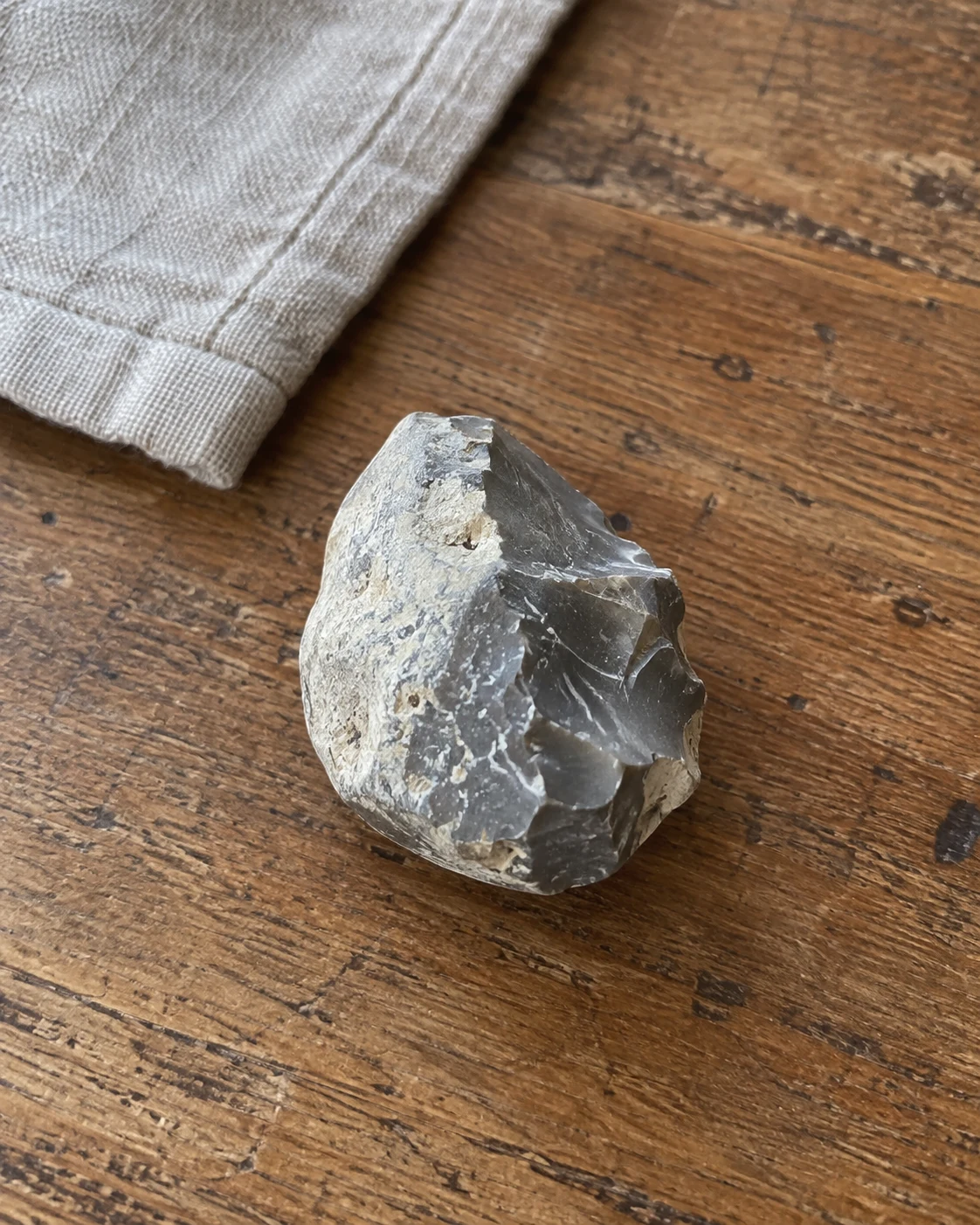
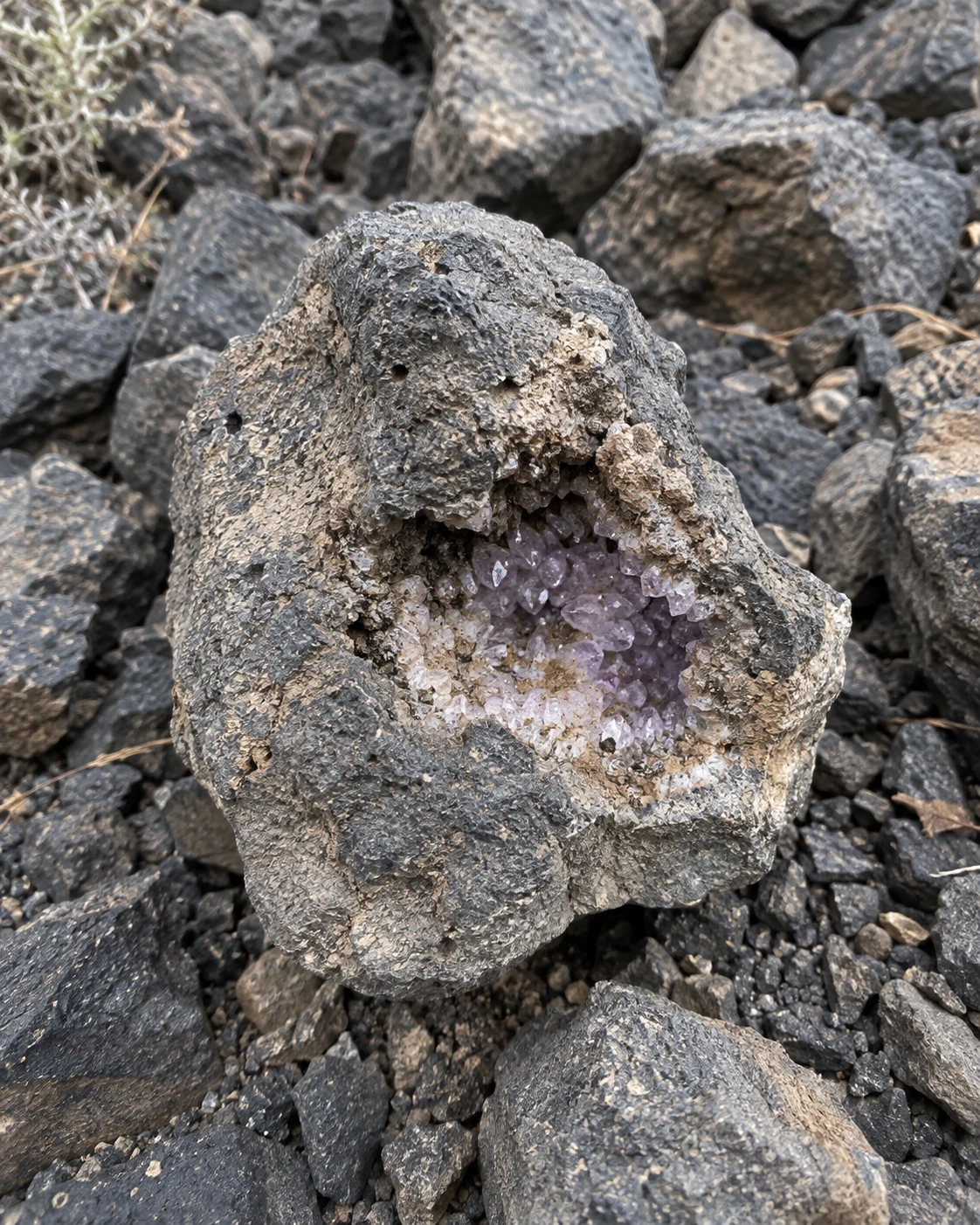
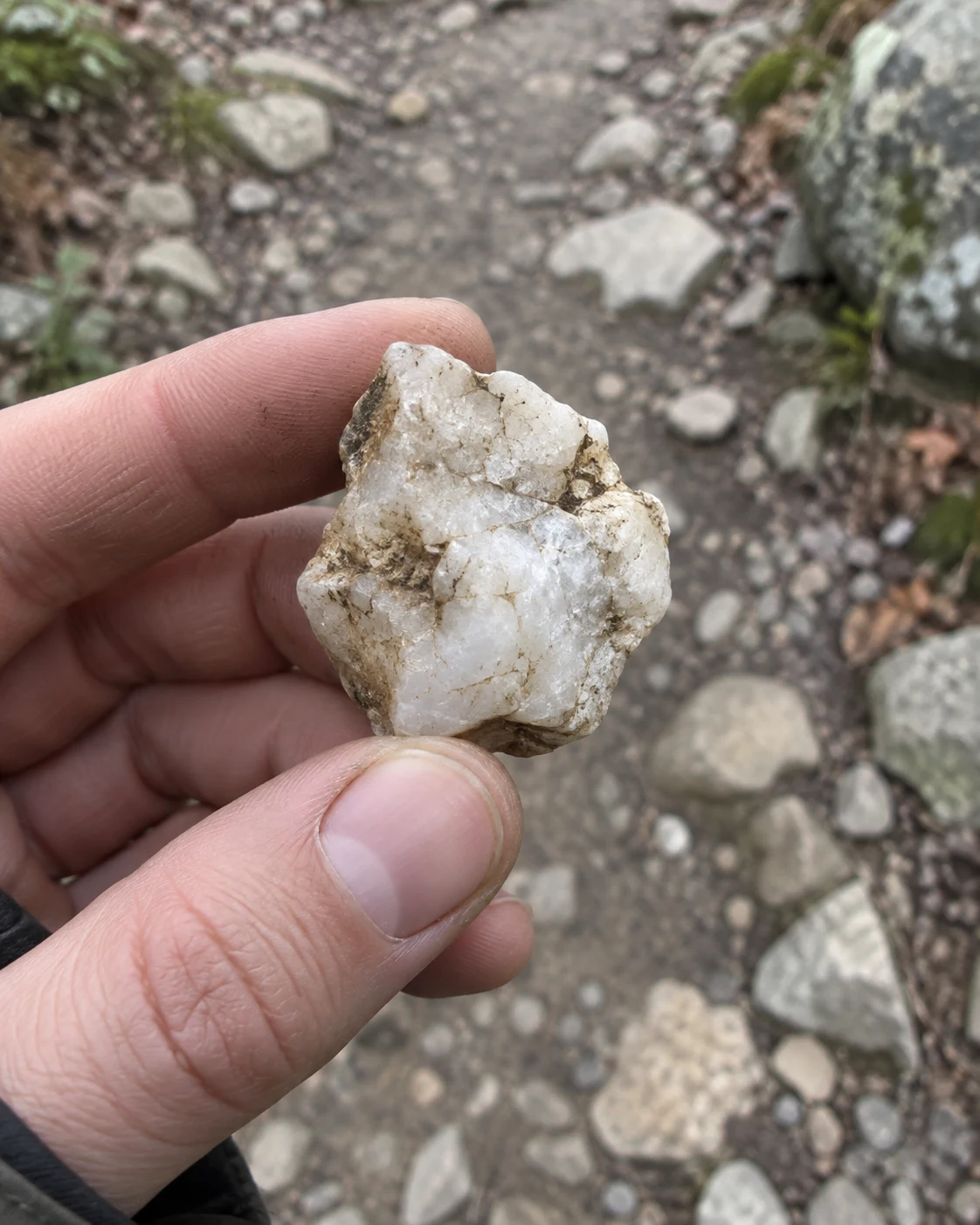
“That little rock from a beach walk finally has a name. I love being able to keep the photo and where I found it together.”
 RockScanScan your rock
 4.8/5Over 100,000 rock scanners
Discover Your Rocks’
Hidden Value & Story
Scan a rock to uncover its identity, explore its properties and discover what it could be worth.
From rock to collection
One photo. A likely match. A new discovery.
01
Snap your specimen
Take a clear photo in natural light or upload one from your phone.
02
Uncover its identity
Review its likely identity, mineral properties and value estimate.
03
Grow your collection
Save your discoveries, add notes and keep every detail together.
Scan and identify
Meet the mineral hiding in plain sight.
Scan with your camera or upload an image. RockScan examines your specimen, suggests a likely identity and helps you understand what makes it special.
- Camera and photo uploads
- Identification with confidence and visible clues
- Value estimates with size or weight
Mineral identificationRockScan
 Scanning surface texture…
Looking a little closer
Identifying…
Analysing colour, texture and mineral grains
Collection overviewUSD
Little finds.
A growing story.
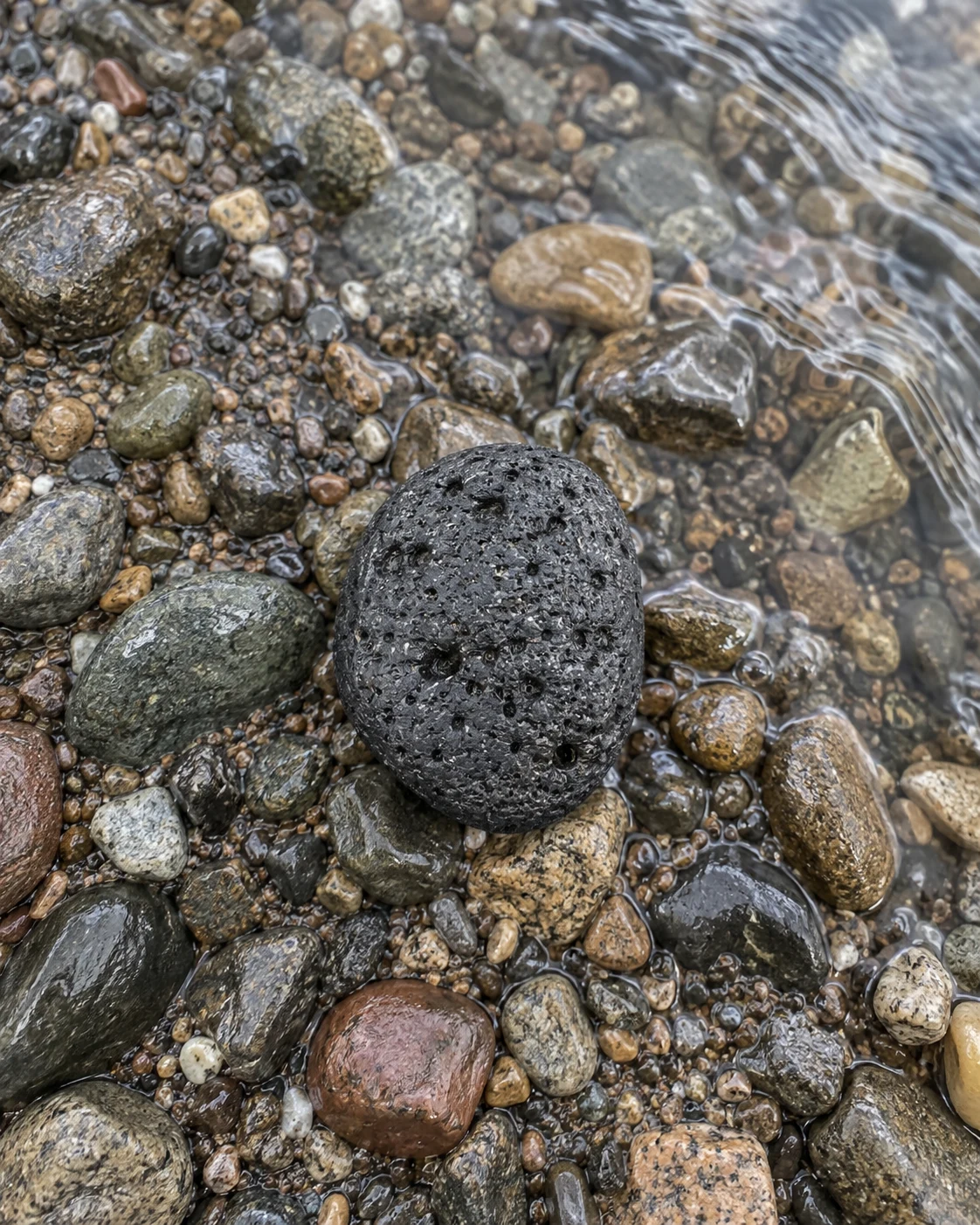
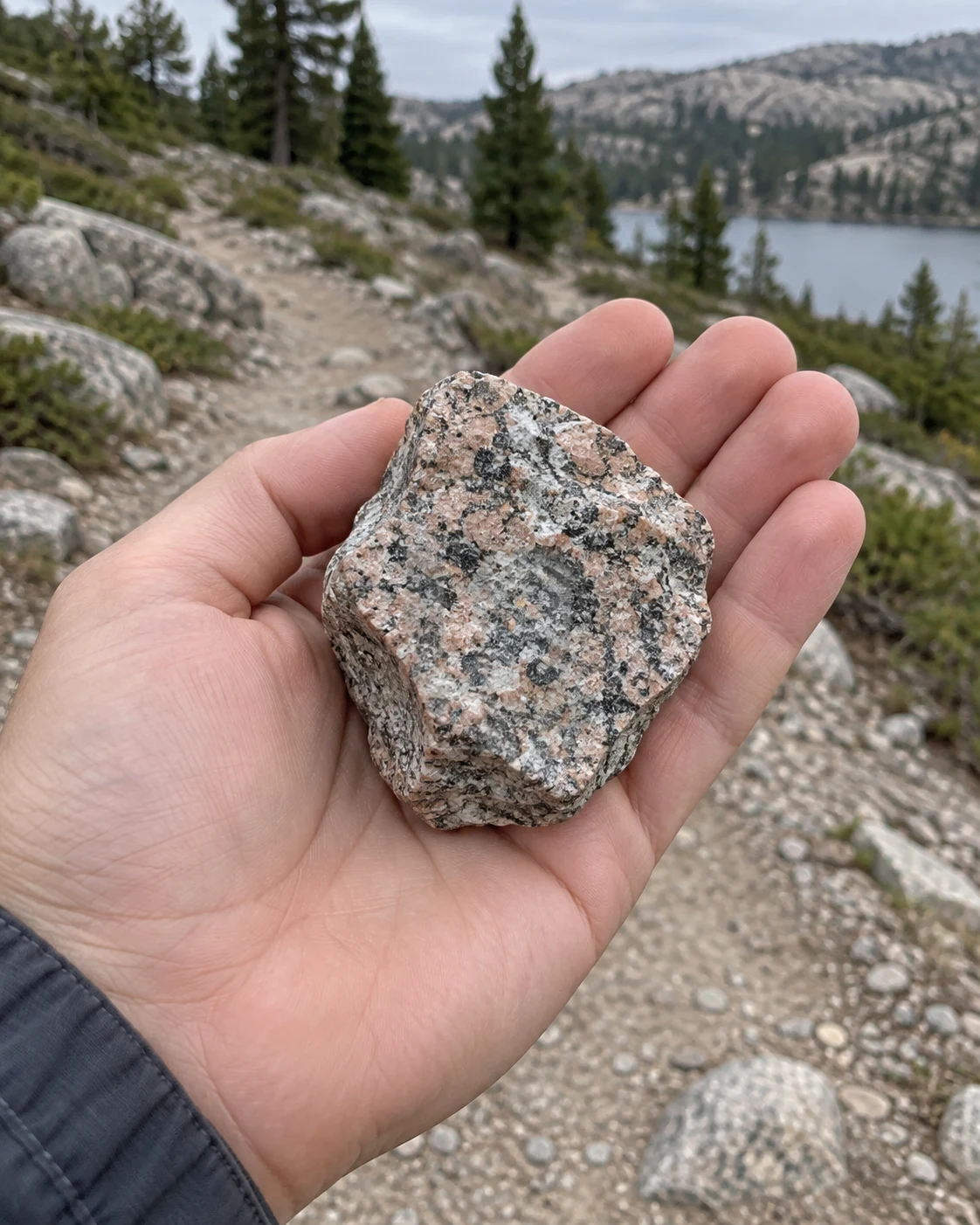
Basalt$3
Granite$5
Milky quartz$6
PhotosEvery angle, rememberedNotesThe details that matterValuesEstimates in one place
Know your collection
Every find. Every detail. All in one place.
See your saved value estimates at a glance and keep the stories behind your discoveries. From where you found it to why you love it.
- Your specimen photos and AI results
- Notes and discovery locations
- Collection estimates in US dollars
Browse mineral prices
Explore rocks, gems and what they could be worth.
Search by name, family or colour. Learn the properties that distinguish one mineral from another and explore price guides before your next discovery.
- Search by name, colour or mineral family
- Compare properties and crystal structures
- Understand what can affect a specimen’s value
⌕ Discover your next favourite mineral
RocksBasaltIgneous rock
$3RocksGraniteIgneous rock
$5MineralsMilky quartzQuartz family
$6 Rocks
RocksSandstoneSedimentary rock
$3Ours vs doing it yourself
Everything for your collection, in one place.
Bring together the discoveries you usually spread across image searches, notes and photo albums.
Made for your discoveries RockScanDoing it manually
Photo identificationSearch and compare images
Mineral propertiesRead multiple references
Value guidance in USDCompare individual listings
Photos, notes & locationsSeparate albums and notes
One collection overviewMaintain a spreadsheet
The collector experience
Little discoveries. Big stories.
“The mineral details are easy to understand, and having all my favourite specimens in one collection makes such a difference.”
“I came for the identification and stayed for the learning. Now every walk feels like a chance to discover something new.”
“A simple way to turn a pocketful of mystery stones into a collection we can explore together.”
Frequently asked questions
Everything you need to know.
Quick answers about scanning, rock values and your collection.
How does RockScan identify my rock?+
Take a photo or upload one, then tap Identify. AI examines the visible colour, texture, crystal shape and other features to suggest a likely match. Review the confidence and follow-up checks before accepting an identification.
How are values calculated?+
Scan estimates use the likely identification, visible quality and the size or weight you provide. They are broad AI estimates in US dollars, not live sales prices or professional appraisals. If the evidence is insufficient, RockScan leaves the value unestimated.
Can it tell a real gemstone from a fake?+
A photo can reveal clues, but it cannot reliably confirm authenticity, treatment or gemstone quality. Valuable gems and unusual finds should be checked by a qualified gemologist.
Do I need to download an app?+
No. RockScan works in your browser on your phone or computer. Allow camera access to take a photo, or upload one you already have.
Where is my collection saved?+
Your saved photos, results, notes and profile stay in this browser on this device. You can export your collection from your profile to keep a backup.
What happens to my uploaded photo?+
When you select Identify, your photo is sent to the AI provider for analysis. RockScan does not keep the upload on its server. Saving a result stores it in your browser.
Your next discovery may be
worth more than you think.
Pick up a rock. Uncover its story.
Scan Your Rock Now